Transfer to Another Member
-
Step 1
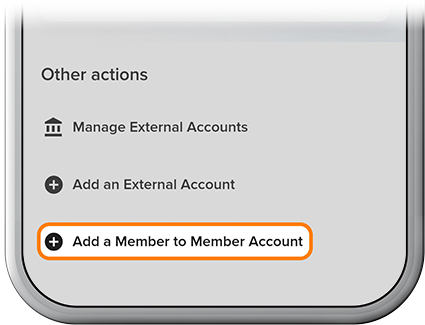
Please review our Add a Member-to-Member Account how-to, then tap Transfer, then Add a Member to Member Account.
-
Step 2
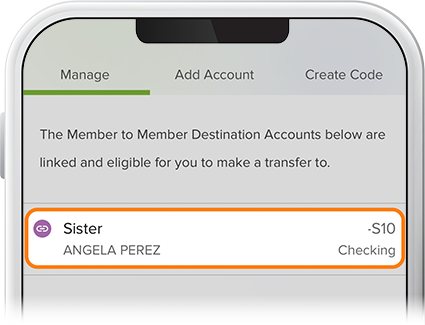
Tap Manage, then select the other member’s account.
-
Step 3
Select a funding source for the transfer, fill in the proper fields, then review and confirm. To view scheduled transfers, tap the Scheduled tab on the Transfers page.


