Make a Credit Card Payment
-
Step 1
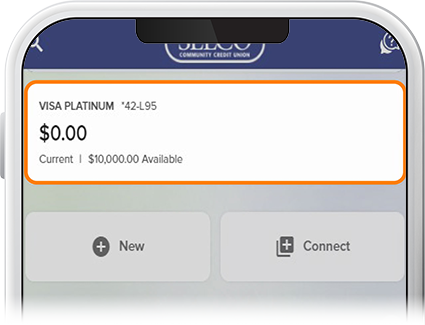
Select your credit card account.
-
Step 2
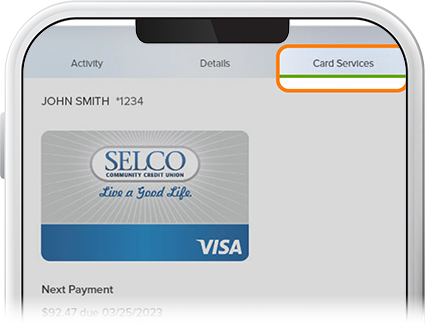
Tap Card Services. (Note: If you want to make a credit card payment from a linked account, be sure to first switch your profile to that account.)
-
Step 3
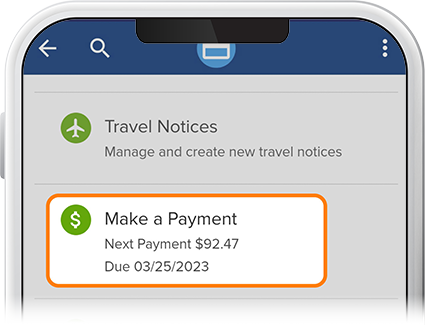
Select Make a Payment.
-
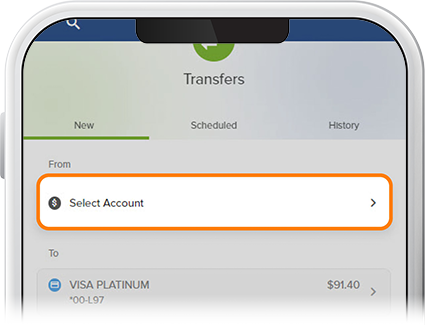
Step 4
Select the funding source (this can be an external institution if it’s connected to your SELCO account).
-
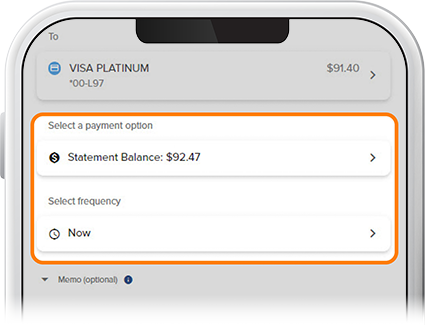
Step 5
Select how much you’d like to pay from one of the options, as well as the frequency of the transaction from the drop-down, then select Review. If everything checks out, tap Confirm.