Add a Travel Notice
-
Step 1
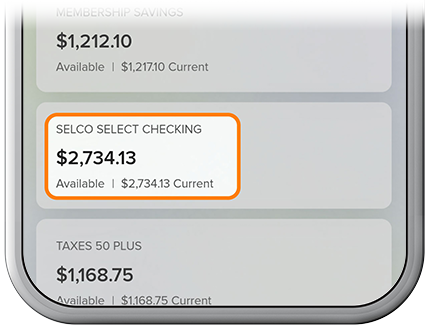
Select the associated checking or credit card account.
-
Step 2
Tap Card Services, then select Travel Notices from the menu.

-
Step 3
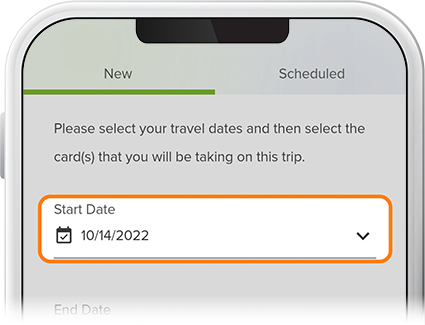
Fill in the required fields—including the card(s) you'll take on your trip—then tap Submit. (The back arrow will return you to Card Services.)