SELCO branches and contact centers will be closed Monday, May 25 in observance of Memorial Day. Account access and support will still be available through digital banking and our virtual phone assistant.

Open a New Account

  1. Step 1

    Tap New (with the + sign) below your accounts.
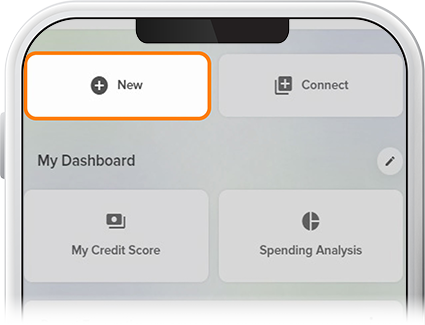
     

    Open New Account Step 1
  2. Step 2

    Select the account category and type, then tap Open Now. Complete the steps, including funding your new account. 
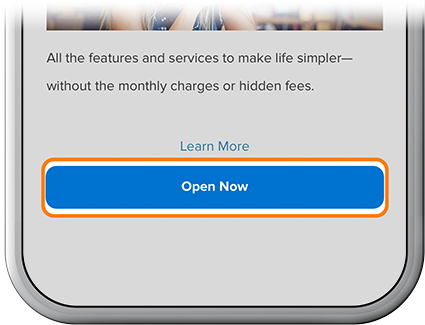
    Open a New Account step 2
  3. Step 3

    Review your information, then tap Submit Application. 
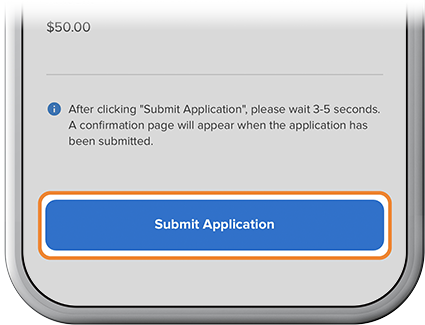
    Open a New Account step 3